Step 1
Post the job
Service, location, date, time, number of spots and rate. It takes about a minute.
- Trampi suggests a rate range. You set the offer.
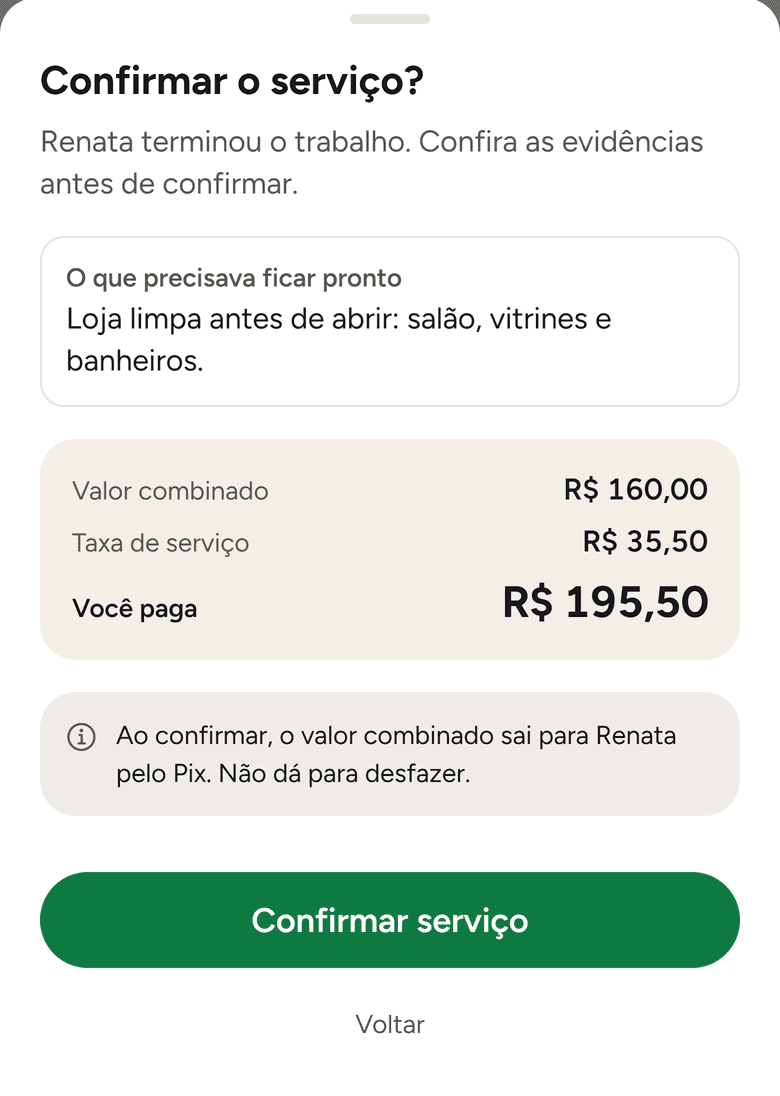
- Before posting, you see the total per spot, fee included, and pay. The job goes live once the payment is confirmed.
- One time, several days or every week: you set the recurrence.
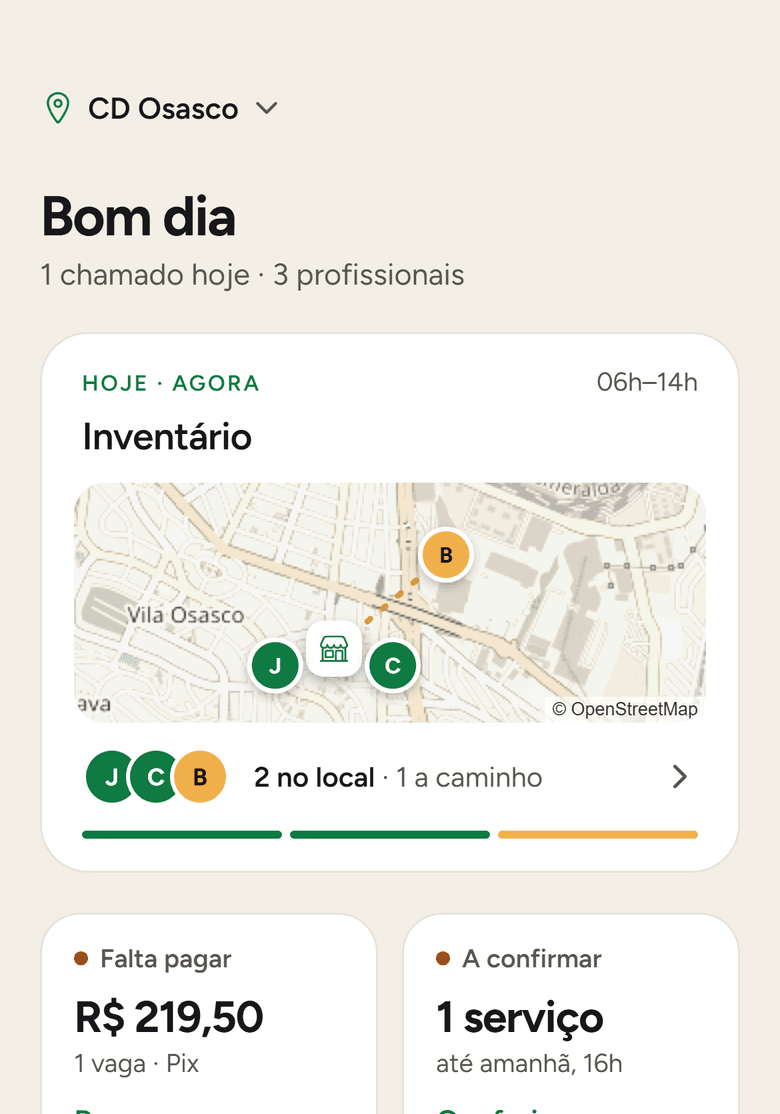
- On the home screen, tap New job and pick the service: inventory count.
- Describe what needs to be done: counting aisles A and B into the system.
- Set Saturday, 8 am to 4 pm, R$ 180 per spot and 3 spots.
- Review the total: R$ 180 plus a R$ 39.50 fee, R$ 219.50 per spot.
- Pay, and the job goes live.